

Key Takeaways
- Bluetooth, NFC, and Wi-Fi all use radio waves but operate at different ranges, speeds, and power levels.
- NFC works only at a distance of a few centimeters, making it well suited for payments and quick pairing.
- Bluetooth is optimized for persistent, low-power connections to nearby accessories like headphones and smartwatches.
- Wi-Fi delivers the highest data speeds and is designed to connect devices to a local network or the internet.
- All three radios are present in most modern smartphones, and each activates automatically depending on the task.
Our Verdict
Each of these three radios solves a different problem. NFC handles brief, touch-close exchanges with minimal setup. Bluetooth maintains continuous low-power links to personal accessories. Wi-Fi moves large amounts of data across a building or home network. None of them overlaps perfectly with another, which is why all three coexist in the same device.
| Best for | Recommended |
|---|---|
| Contactless payments and quick device pairing | NFC |
| Wireless headphones, speakers, and wearables | Bluetooth |
| Streaming video, file downloads, and general internet use | Wi-Fi |
| Smart home devices that need both internet access and local control | Wi-Fi with Bluetooth fallback |
What these three radios have in common
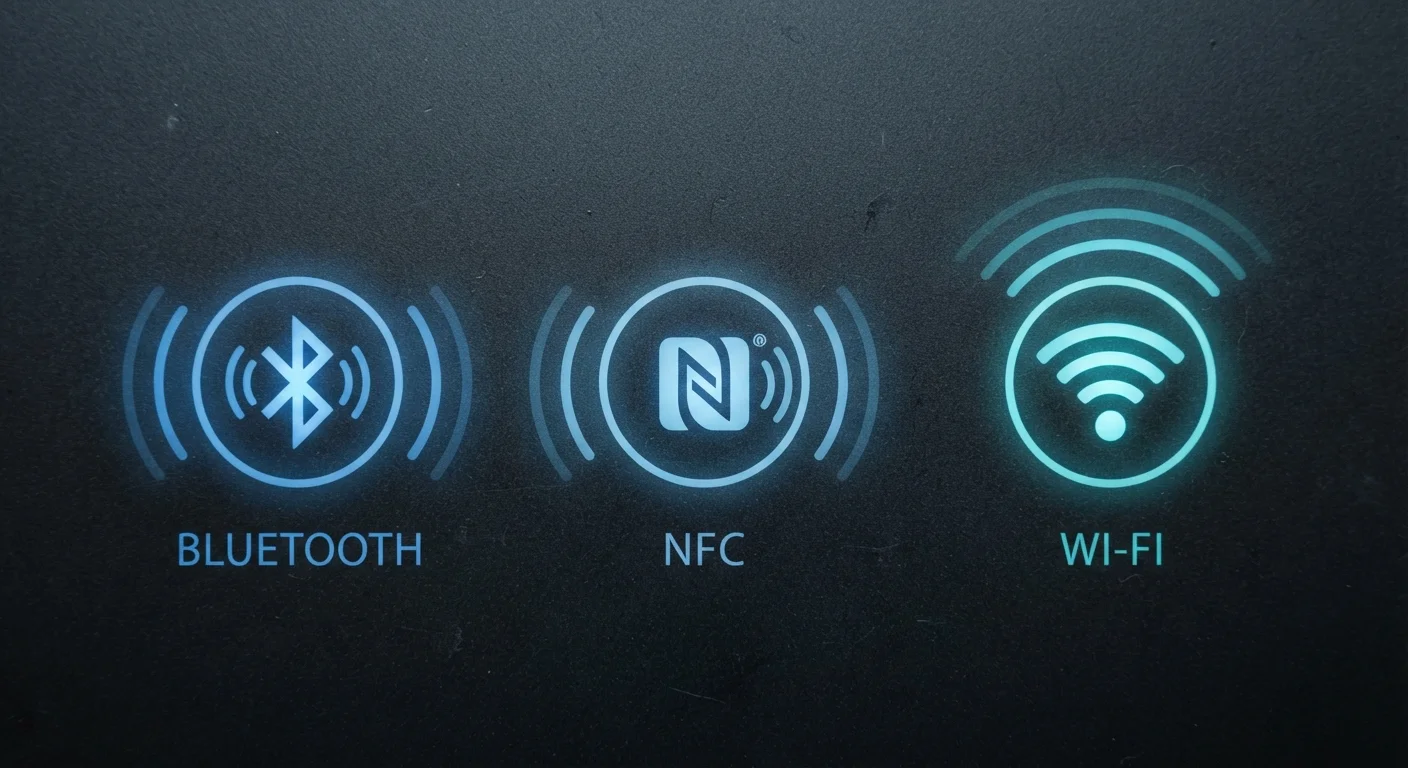
Bluetooth, NFC, and Wi-Fi are all short-range wireless technologies built into virtually every smartphone sold today. All three transmit data using radio waves, require no physical cable, and are governed by open technical standards that hardware makers license. That is roughly where the similarities end.
Each technology was designed with a specific trade-off in mind: how far the signal needs to travel, how fast data must move, and how much battery power the radio can consume. Understanding those three variables explains almost every practical difference between them. For a broader look at how these radios fit into the hardware picture, see what each component inside your smartphone actually does.
| NFC | Bluetooth | Wi-Fi | |
|---|---|---|---|
| Typical range | Up to 4 cm | Up to 10 m (classic) | 30-50 m indoors |
| Typical data speed | Up to 424 kbps | Up to ~3 Mbps (audio) | Hundreds of Mbps to Gbps |
| Power draw | Very low; passive tags use none | Low to moderate | Moderate to high |
| Primary use | Payments, quick pairing | Accessories, audio streaming | Internet and LAN access |
| Connection model | Device to device, momentary | Device to device, persistent | Device to network router |
| Setup required | None; proximity activates it | One-time pairing per device | Password and network config |
NFC: radio at touching distance
Near Field Communication (NFC) operates at 13.56 MHz and works only within about 4 centimeters. That extreme proximity is not a limitation by accident. It exists so that a transaction or data exchange cannot happen unless two devices are physically brought together, which reduces the chance of accidental or unauthorized communication.
NFC transfers data slowly by wireless standards, typically around 424 kilobits per second. That is fine for its primary uses: authorizing a payment, reading a transit card, or sharing a small credential like a Wi-Fi password or a web link. An NFC tap takes a fraction of a second. The radio also consumes very little power, and some NFC tags (the small stickers used in smart posters and product labels) have no battery at all because they draw the tiny amount of energy they need from the reading device's radio field.
One practical use most people encounter is contactless payment. When a phone or card is held near a payment terminal, NFC passes an encrypted token to the reader. The card number itself never travels over the air.
Bluetooth: the personal-area network
Bluetooth operates in the 2.4 GHz band and is designed for continuous, low-power connections at distances up to roughly 10 meters for classic Bluetooth, and sometimes further for newer versions. Its purpose is maintaining a persistent link to personal accessories: wireless earbuds, a smartwatch, a car audio system, or a wireless keyboard.
Bluetooth Low Energy (BLE), introduced in Bluetooth 4.0, reduced power consumption significantly. A fitness tracker using BLE can run for weeks on a small battery while staying paired to a phone. Classic Bluetooth, used for audio streaming, draws more power but can handle the higher data rates that music and calls require.
Bluetooth also handles initial device pairing for other wireless standards. Many Wi-Fi speakers and smart home devices use Bluetooth to receive setup credentials the first time they are configured. After that, the device switches to Wi-Fi for its main connection and may keep Bluetooth active only as a fallback or for local control. This relationship between the two radios is part of what makes edge computing in smart devices practical.
Wi-Fi: speed and range for network access
Wi-Fi operates across several frequency bands, most commonly 2.4 GHz and 5 GHz, with newer equipment also using 6 GHz. Its range inside a typical home is 30 to 50 meters, and its speeds can reach multiple gigabits per second under ideal conditions with modern hardware. No other short-range radio comes close to that throughput.
Wi-Fi connects devices to a local area network (LAN), which in most homes links out to the internet through a router. That architecture is what separates Wi-Fi from Bluetooth and NFC: a Wi-Fi connection to a router gives the device access to remote servers, cloud storage, and streaming services. Bluetooth and NFC connect two devices directly to each other, not to a broader network.
The 2.4 GHz band travels farther and passes through walls better than 5 GHz but carries less data. The 5 GHz band is faster at close range but attenuates quickly with distance or obstacles. Devices automatically select the better band when a router supports both. For a comparison of how Wi-Fi relates to cellular standards, see 5G vs. Wi-Fi 6 for everyday users.
Choosing the right radio for the task
In practice, the device or app chooses the radio for you. Tapping to pay activates NFC. Opening a music app on wireless earbuds uses Bluetooth. Loading a video uses Wi-Fi. The choice is baked into how each application was built.
Where readers sometimes face a real decision is in smart home setup. A smart bulb that supports both Bluetooth and Wi-Fi will respond faster to local commands over Bluetooth but may lose remote access (from outside the home) if the Wi-Fi connection drops. A device using only Wi-Fi needs the router to be reachable but can be controlled from anywhere. Knowing which radio a device uses tells you a lot about its behavior before you buy.
Security considerations differ across the three as well. NFC's physical proximity requirement is itself a security control. Bluetooth has had documented vulnerabilities in its pairing process over the years, so keeping device software current matters. Wi-Fi security depends heavily on the network's encryption protocol; WPA3 is the current recommended standard for home routers. For a broader look at how digital tracking technologies work, see how websites follow you online.