

Key Takeaways
- Notifications travel from an app's server to your device through a channel maintained by your phone's operating system, not the app itself.
- Your device keeps a persistent, low-power connection to the notification service so messages arrive even when the app is closed.
- Notification permissions are controlled at the operating system level, meaning you can grant or revoke them at any time.
- Turning off notifications for an app does not delete your account or affect app functionality.
- Constant notification interruptions are linked to attention fragmentation and increased stress.
Push notification
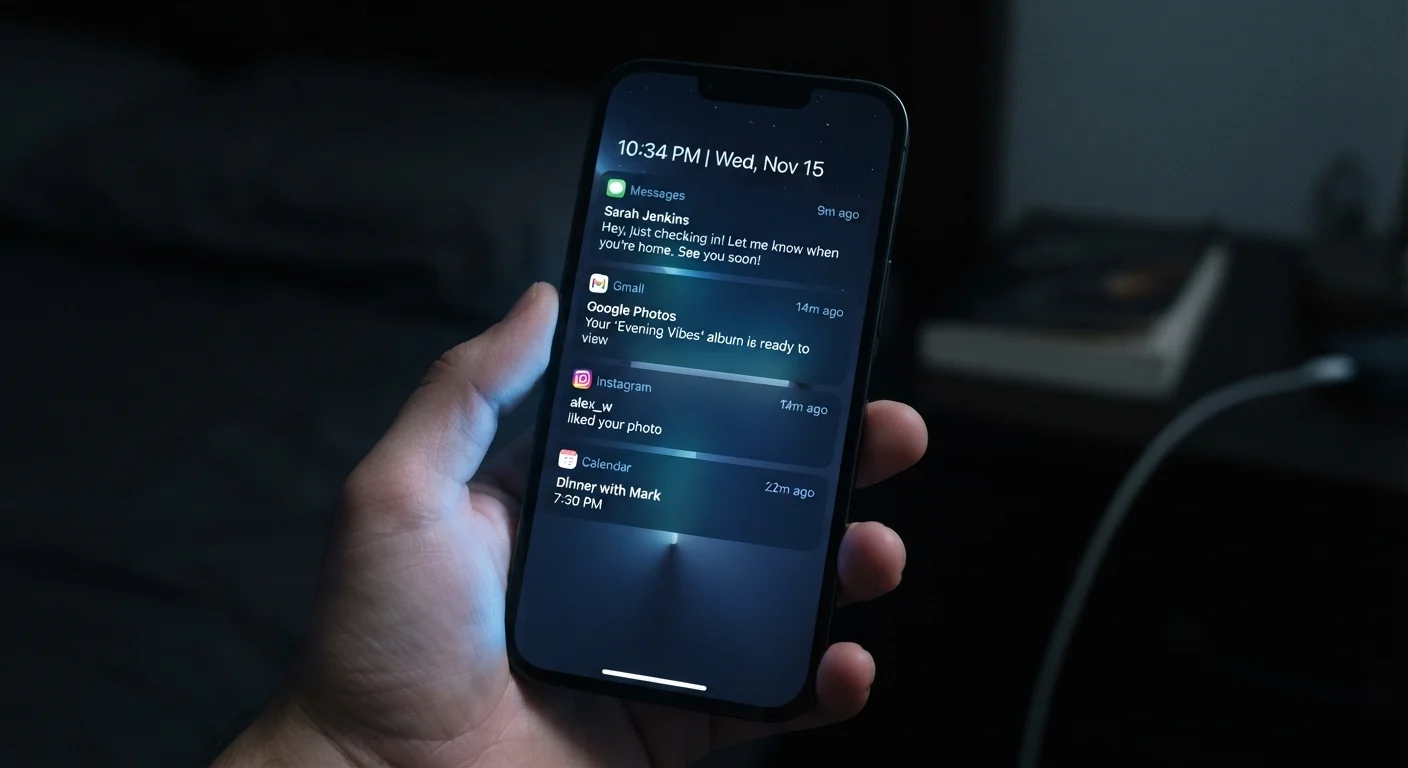
A push notification is a short message or alert that an app sends to your device without you opening the app first. The message originates on a remote server and travels to your phone or tablet through a persistent background channel. You see it as a banner, badge, or lock-screen alert.
The delivery channel is managed by the operating system vendor, such as Apple Push Notification Service (APNs) for iOS or Firebase Cloud Messaging (FCM) for Android, not by the app developer directly.
The journey a notification takes to reach you
When a news app wants to tell you about a breaking story, it does not reach into your phone. Instead, the app's server sends a request to a notification delivery service operated by your phone's manufacturer or operating system provider. That service then forwards the message to your specific device over a connection your phone already has open.
This two-step path exists for efficiency. If every app maintained its own background connection to its own server, your phone would juggle dozens of open channels simultaneously, consuming battery and mobile data around the clock. By routing all notifications through one central service per operating system, your device holds a single persistent connection and the operating system wakes the relevant app only when a message arrives addressed to it.
The notification payload itself is small: usually a title, a body line, and perhaps a small image or action button. The app's server decides what that payload says and when to send it. The delivery infrastructure is run by the platform provider, not the app developer.
Check your notification settings periodically
Apps you install often request notification permission immediately, before you have formed a view on whether you want their alerts. Going through your notification settings every few months lets you cut out channels that no longer add value. On both iOS and Android, the Notifications section in system settings lists every app with permission in one place.
How your device stays ready without draining the battery
Your phone's radio hardware can receive a signal even when the screen is off and every app appears closed. The operating system maintains a lightweight background process that listens for incoming notification traffic. When a message arrives, that process wakes briefly, routes the alert to the right app, and then goes idle again.
This is different from an app running continuously in the background. The app itself is not active. The operating system handles the receipt and hands off only the data the app needs to display the notification. On most modern devices, this entire cycle takes a fraction of a second and uses negligible power for any single notification.
Understanding this separation matters when you think about how your phone's hardware handles different tasks. The cellular or Wi-Fi radio, the processor, and the operating system scheduler all cooperate to make notifications feel instant.
Permission, control, and what turning off notifications actually does
Before an app can send you any alert, it must ask for notification permission. On iOS, this prompt appears the first time a compatible app requests it, and you can say no without any consequence to the app's core function. On Android, newer versions follow the same model. Either way, you can change your mind later through your device's system settings.
Revoking notification permission does not delete your account or remove any data. It simply tells the operating system to block that app's alerts before they reach your screen. The app's server may still send messages to the delivery service, but your device discards them silently.
You can also take a more selective approach: most operating systems let you allow some notification types (such as direct messages) while blocking others (such as promotional alerts) from the same app. This is worth exploring before switching everything off entirely. For a practical walkthrough, see managing app permissions without locking everything down.
46
Average daily notifications per smartphone user
According to a 2023 report from analytics platform Asurion, smartphone users receive an average of 46 notifications per day across all apps.
23 min
Average time to refocus after an interruption
Research published by Gloria Mark at the University of California, Irvine found it takes an average of 23 minutes to regain deep focus after an interruption.
Notifications and your attention
Each notification is designed to interrupt. That is its function. Repeated interruptions throughout the day can fragment concentration in ways that are hard to notice in the moment but add up over time. Research in attention and digital behavior consistently finds that recovering full focus after an interruption takes longer than the interruption itself.
This is worth weighing when deciding which apps to allow notifications from. The incoming message from a family member carries different weight than a badge count on a shopping app. Being deliberate about which channels genuinely need your immediate attention is a concrete way to reduce friction in your day.
If you want to understand more about how habitual notification-checking can affect mood and sleep, the article on digital habits that quietly affect mental well-being goes into detail on those patterns.