

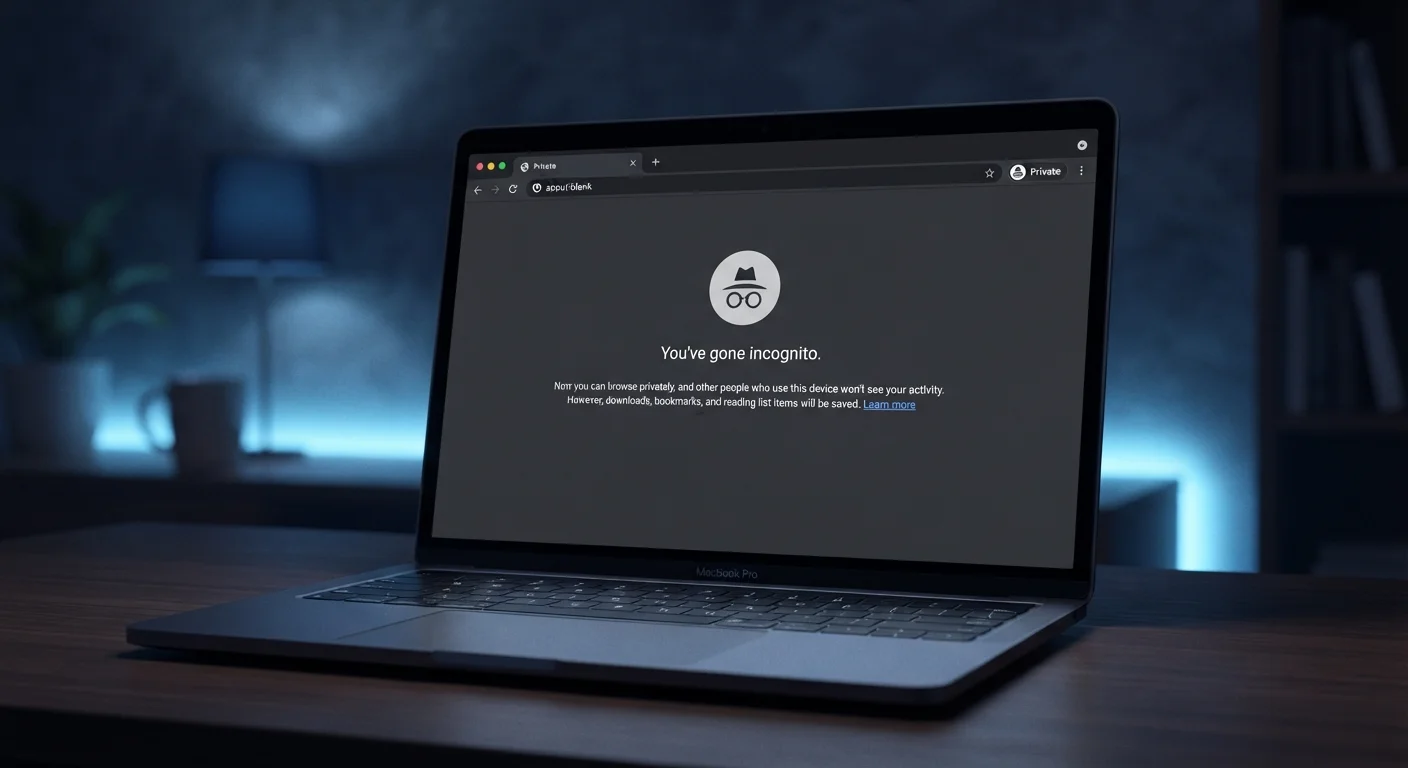
Key Takeaways
- Incognito mode stops your browser from saving your history, cookies, and form data locally.
- It does not hide your activity from your internet provider, employer network, or the websites you visit.
- Websites can still track you using your IP address and browser fingerprinting techniques.
- Extensions installed in your browser may still run and collect data in incognito sessions.
- Incognito is useful for specific tasks, but it is not a substitute for broader privacy tools.
What incognito mode actually does
Every major browser offers some version of private browsing: Chrome calls it Incognito, Firefox calls it a Private Window, Safari uses Private Browsing. The mechanics are largely the same across all of them.
When you open a private window, the browser agrees not to write certain data to your device. Specifically, it will not save your browsing history, it will not store cookies or site data after the session ends, and it will not remember what you typed into forms or search boxes. Any cookies created during the session are discarded the moment you close that window.
That is a genuinely useful set of protections for a narrow set of situations. Signing into a second account on a site without logging out of the first, checking a flight price without a booking site storing that search, or using a shared or public computer without leaving traces behind are all good uses of incognito mode. For those tasks, it does exactly what it says.
For a broader look at how tracking actually works beyond your own device, see how websites follow you using cookies, trackers, and fingerprinting.
The limits most people overlook
The widespread confusion about incognito mode comes from a reasonable but incorrect assumption: that "private" means private from everyone. It does not. It means private from other people using the same device after you.
Myth
Incognito mode hides my activity from my internet provider.
Fact
Your ISP can still see the domains you visit. Incognito only prevents your browser from saving a local record.
When your browser connects to a website, that request travels through your ISP's infrastructure before reaching its destination. The ISP sees the domain name (such as "example.com") regardless of whether you are in a private window. Incognito mode controls what your browser writes to your device, not what your network connection reveals to the outside world.
Myth
Websites cannot track me if I am browsing in incognito.
Fact
Websites still receive your IP address and can profile your browser through fingerprinting, neither of which incognito mode changes.
Every web request carries your IP address, which identifies your network and approximate location. Beyond that, websites can collect dozens of browser and device attributes (screen size, fonts, time zone, browser version) and combine them into a fingerprint that persists across sessions. Removing cookies helps, but it is only one layer of a multi-layered tracking system.
Myth
I am anonymous on incognito when I am logged into an account.
Fact
Logging into any account identifies you to that service completely, regardless of browser mode.
Authentication ties your activity to your identity on the server side. If you sign into a social platform, email service, or shopping site during an incognito session, every action you take is associated with your account in that service's records. The private window only prevents a local history entry; it has no effect on what the service itself records.
Myth
Downloads I make in incognito mode disappear when I close the window.
Fact
Files downloaded during an incognito session are saved to your device normally and remain after the window closes.
The browser's private mode applies to browser state: history, cookies, cached data. Downloading a file is a file system action. The file is written to your downloads folder by your operating system, which is outside the scope of the browser's cleanup routine. The same is true for bookmarks created during the session.
Your internet service provider (ISP) still sees every domain you visit because DNS queries (the requests that translate a website name into an address) travel through their infrastructure. If you are on a work or school network, the network administrator has the same visibility. The websites themselves receive your IP address with every request, which can identify your general location and, combined with other signals, often your specific device.
Browser fingerprinting is a particularly stubborn problem in this context. Websites can collect data about your browser version, operating system, screen resolution, installed fonts, and time zone, then combine these into a profile that identifies your device across sessions, even without cookies. Incognito mode does nothing to change these signals. Browser fingerprinting is covered in more detail in a companion article.
Extensions, downloads, and other gaps
Browser extensions deserve separate attention. By default, many extensions remain active in incognito windows unless you explicitly disable them in your browser settings. An extension with access to your browsing data can still read the pages you visit during a private session. This is especially relevant for extensions that collect analytics or inject scripts into pages.
Downloads and bookmarks are another gap. Files you download in an incognito window are saved to your device normally. Bookmarks you create in that session are also saved. Neither disappears when you close the window, because those are file system actions, not browser state. If you want to check what permissions your extensions actually hold, understanding browser extension permissions is a good next step.
Incognito mode also does nothing about malware already on your device. If a keylogger or spyware is present, it can capture what you type regardless of which browser mode you are using.
When incognito helps and when it does not
The clearest way to think about incognito mode is as a local cleanup tool. It prevents the browser from leaving a record on your device. Everything that happens over the network is outside its reach.
If your concern is that a family member will see your search history, incognito handles that. If your concern is that your ISP, employer, or a government body might monitor your traffic, incognito does not help. For network-level privacy, a VPN has different protections and different limitations worth understanding separately.
Logging into any account during an incognito session also removes much of the protection. Once you sign into a service, that service knows who you are regardless of browser mode, and it can associate your session activity with your account.
If you are newer to online privacy as a topic and want to build a foundation before adjusting settings, a plain-language starting point for online privacy covers the core concepts without assuming prior knowledge.