

Key Takeaways
- The CPU follows three steps for every instruction: fetch, decode, and execute.
- Opening an app triggers the CPU to load program code from storage into faster memory (RAM).
- Multiple CPU cores allow your device to handle several tasks at the same time.
- Clock speed, measured in GHz, tells you how many instruction cycles the chip can complete each second.
- The CPU coordinates with the GPU, RAM, and storage, but it directs that coordination.
CPU (Central Processing Unit)
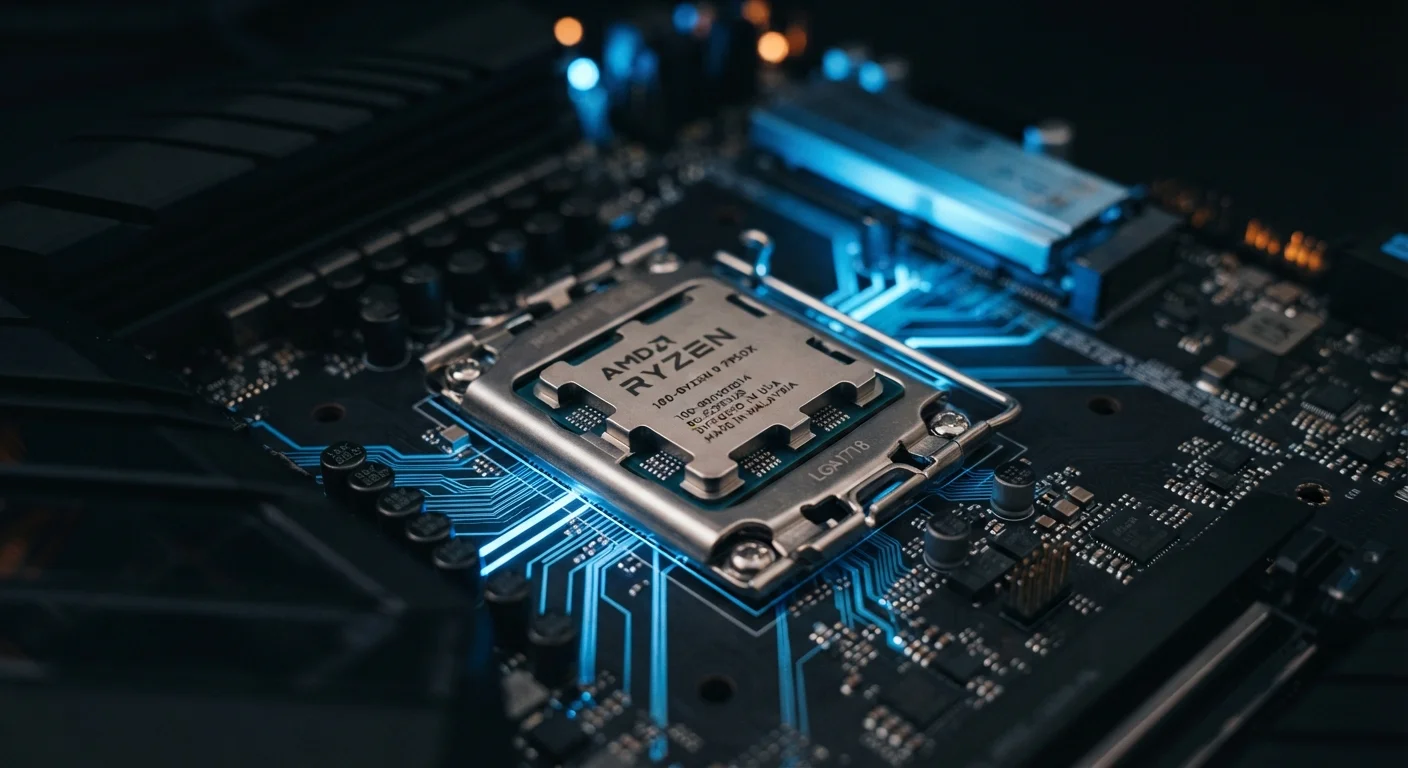
A CPU is the main chip inside your phone, tablet, or computer that carries out instructions. When you open an app, the CPU reads the program's code, interprets what each instruction means, and executes it, one step at a time, billions of times per second. Everything your device does on screen traces back to work the CPU has already finished.
Modern CPUs use pipelining and multiple cores to process several instructions simultaneously, reducing the time any single task waits for the chip's attention.
From tap to running app: what happens first
The moment you tap an app icon, your operating system passes a request to the CPU. The chip's first job is to locate the app's executable code, which is stored on the device's internal storage. Storage is relatively slow compared to the CPU's working speed, so the processor coordinates a transfer of that code into RAM (Random Access Memory), a much faster temporary workspace.
Once the code sits in RAM, the CPU can reach it almost instantly. From that point, the processor works through the app's instructions in sequence, setting up the window, loading your preferences, and drawing the interface you eventually see. All of that happens before you perceive any visible result on screen.
The fetch-decode-execute cycle
Every instruction the CPU processes passes through the same three-stage cycle. First, the chip fetches the next instruction from RAM, reading the raw binary data. Second, it decodes that data, figuring out what kind of operation is being requested: an addition, a memory read, a comparison. Third, it executes the operation, producing a result that either stays inside the chip or gets written back to RAM.
This cycle repeats billions of times per second. Clock speed, measured in gigahertz (GHz), describes how many of these cycles the chip can attempt each second. A processor running at 3 GHz completes roughly 3 billion cycles per second. Modern chips also use a technique called pipelining, where different stages of multiple instructions overlap, so the chip is always busy at every stage rather than waiting for one instruction to finish completely before starting the next.
Pipelining is not multitasking
Pipelining means the CPU overlaps the stages of consecutive instructions within a single core. It is not the same as running multiple apps at once. True parallel task handling comes from multiple cores, each running its own instruction pipeline. Both techniques contribute to the responsiveness you experience, but they work at different levels of the chip's design.
How cores divide the work
A single CPU core processes one stream of instructions at a time. Most devices today contain multiple cores, typically somewhere between four and sixteen in consumer hardware. The operating system can assign different tasks to different cores simultaneously. While one core handles your app's main logic, another might manage a background sync, and a third might process audio.
Some chip designs include both high-performance cores and efficiency cores on the same chip. Performance cores run faster and handle demanding work; efficiency cores consume less power and deal with lighter background tasks. This arrangement helps devices balance speed against battery life rather than running every task on the most power-hungry cores available.
What the CPU coordinates with other components
The CPU does not work alone. When an app needs to display a frame on screen, the CPU passes that rendering work to the GPU (Graphics Processing Unit), which is built to handle the many parallel calculations that graphics require. When the app needs to read a saved file, the CPU sends a request to the storage controller and waits for the data. When it needs to communicate over Wi-Fi, it signals the wireless chip.
The CPU directs this coordination, deciding what work goes where and in what order. RAM holds the data the CPU needs close at hand, so the chip spends as little time waiting for information as possible. A shortage of RAM forces the system to pull data from slower storage more often, which is one reason low-memory devices feel sluggish under load.
For a related look at how apps stay active in the background, see how push notifications reach your screen, which covers the background channels that keep your device connected even when apps are not open.