

Key Takeaways
- Automating savings means money moves before you can spend it, removing the need for daily decisions.
- Timing transfers to coincide with your pay date is the most reliable approach for most people.
- Starting small and increasing the amount gradually is more effective than setting an ambitious figure you cannot sustain.
- A separate savings account reduces the temptation to dip into what you have set aside.
- A brief monthly review keeps the system working as your income or expenses change.
What you will need
Why automation works when willpower does not
Saving money consistently is less a matter of discipline than of system design. When saving depends on a conscious decision each pay period, it competes with every other financial pressure that week. Automating the transfer removes that competition.
The underlying idea is straightforward: money that moves to savings before you see it in your spending account tends to stay there. This principle appears across personal finance guidance because it reflects how people actually behave, not how they plan to behave.
Automation also pairs well with other everyday financial habits that build resilience over time. None of these habits needs to be complicated to be effective.
Automation does not replace awareness
Automatic transfers handle the mechanics of saving, but they do not flag spending problems. If small spending leaks are quietly draining your checking account, your automation may still fail to build savings. Check your actual spending periodically, not just your transfer history.
What you need before you start
The setup is minimal. You need a checking account where your income arrives, a separate savings account to receive the transfers, and online or mobile banking access that allows recurring transfers. Most major banks and credit unions offer this at no cost.
If you are uncertain how your current spending is distributed, a rough estimate of your fixed monthly costs is enough to get started. Precision matters less at this stage than picking a transfer amount you can sustain.
What you will need
Online or mobile banking portal
Used to schedule and manage recurring automatic transfers between accounts.
Separate savings account
Holds transferred funds in a way that keeps them out of everyday spending reach.
Simple budget or spending estimate
Helps you determine a realistic transfer amount that will not create a shortfall before your next paycheck.
Setting up the transfer
The steps below walk through the full setup process. The specific menus and labels will vary by bank, but the logic is the same across most institutions: you choose a source account, a destination account, an amount, and a recurring schedule.
Calculate a starting transfer amount
Look at your take-home pay and your fixed monthly costs: rent or mortgage, utilities, insurance, and minimum debt payments. Subtract those from your net income. From whatever is left, choose a transfer amount that feels slightly uncomfortable but does not put you at risk of overdrawing before your next pay date.
If that number is $25, start there. There is no minimum that matters more than consistency. You can increase the amount later once you confirm the transfer clears without strain.
Open a separate savings account if you do not have one
A savings account that is clearly separate from your daily checking account is worth setting up before you automate anything. When savings sit in the same account as spending money, the boundary between the two blurs quickly.
Consider whether a high-yield savings account makes sense for your situation. The interest rate difference between account types is worth understanding before you commit.
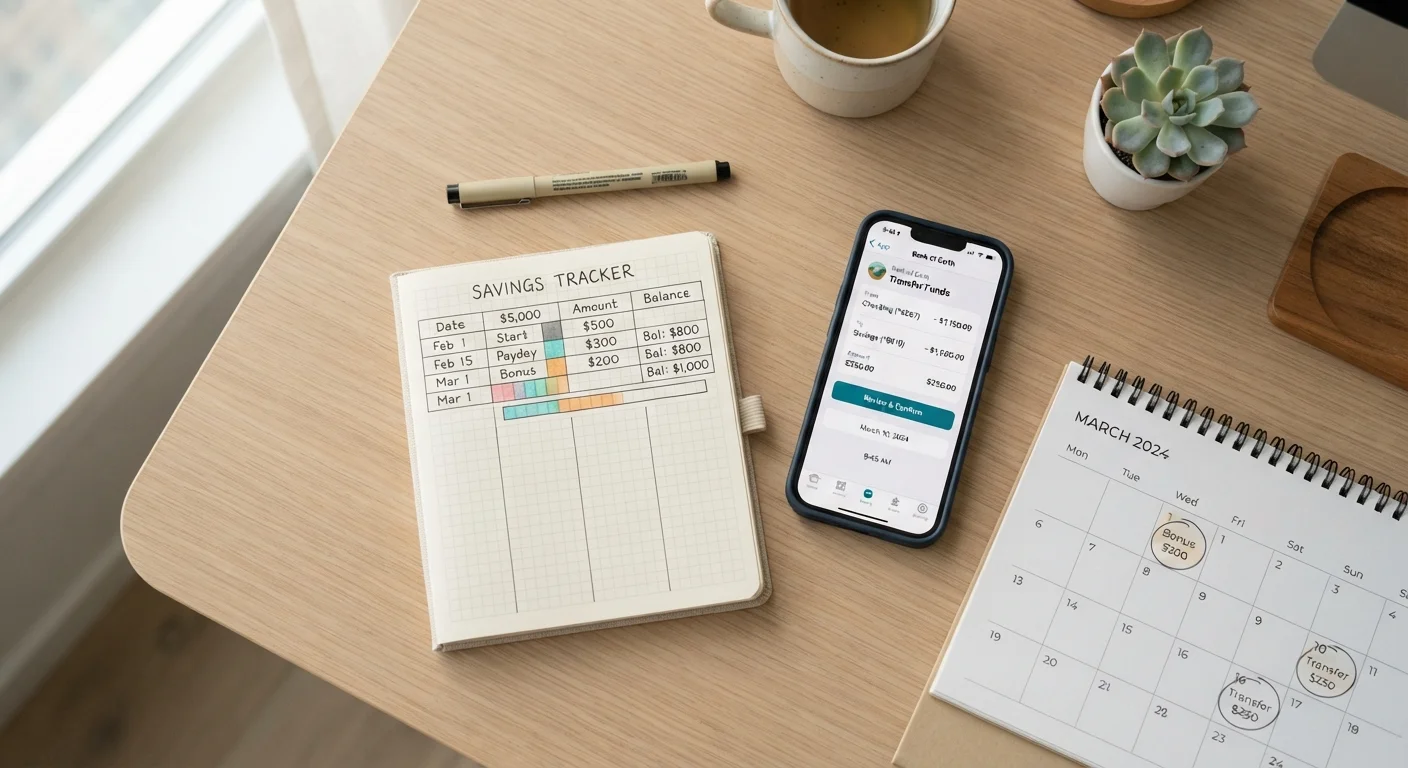
Schedule the transfer for your pay date
Log in to your bank's online or mobile portal and navigate to the recurring transfer or automatic savings feature. Set the transfer to execute on the same day your paycheck lands, or the day after if your deposit sometimes posts at different times.
Timing the transfer to coincide with your pay date means you move money to savings before it gets absorbed into everyday spending. This is the core mechanic that makes automation work for most people.
Confirm the first transfer went through
After the first scheduled date passes, check both accounts to verify the amount moved correctly. Confirm that your checking account balance remained positive and that no overdraft fee was triggered.
If the transfer caused a shortfall, reduce the amount before the next cycle rather than canceling the automation entirely. A smaller automated transfer is more useful than none.
Review and adjust once a month
Set a reminder to check your automated transfer once per month. If your income rises, consider increasing the transfer amount. If a large expense arrives (medical bill, car repair, moving costs), temporarily reduce the transfer rather than pulling from savings.
A weekly money check-in can catch these shifts early, before they require a more disruptive correction. For a fuller picture, a monthly financial audit can confirm whether your savings are growing at the pace you want.
Keep it accessible but protected
Your emergency fund should be reachable in a genuine emergency, but not so easy to access that routine expenses tempt you to dip into it. See our article on keeping an emergency fund accessible without spending it for practical ways to strike that balance.
Common problems and how to handle them
The most frequent issue is setting a transfer amount that is too large for the current pay period, which leads to an overdraft or a failed transfer. If this happens, reduce the amount and treat it as a calibration step rather than a failure.
Overdraft risk is real
Scheduling a transfer that exceeds your available balance can trigger overdraft fees or cause the transfer to fail. Always verify your checking account balance before setting a transfer amount, and build in a small buffer. If your bank charges overdraft fees, contact them to understand your options before automating.
If your income varies month to month, a fixed transfer amount may not suit every cycle. One option is to set the transfer at a conservative level that always clears, and make additional manual transfers in months when income is higher.
If you find yourself repeatedly moving money back from savings to checking, that is a signal to review your spending tracking method rather than abandon automation. The transfer amount may need adjusting, or there may be a spending pattern worth addressing separately.